
The Housebets Login and Registration Guide is designed to help players in the Philippines navigate the process of creating and accessing their accounts. This guide covers all essential steps, from setting up a new account to troubleshooting login issues, ensuring a smooth experience for all users.
Whether you're a new player looking to join Housebets Casino or an existing user facing login problems, this guide provides detailed instructions on account creation, verification, and password recovery. Follow the steps outlined to ensure your account is secure and easily accessible.
| Create an account | Registration page | Email, password, personal details |
| Log in | Login form | Email, password |
| Log in on mobile | Mobile app or browser | Email, password |
| Reset a password | Forgot password link | Email access |
| Verify identity | Account settings | ID documents |
| Secure the account (2FA) | Security settings | Authenticator app |






Accessing an Existing Housebets Account
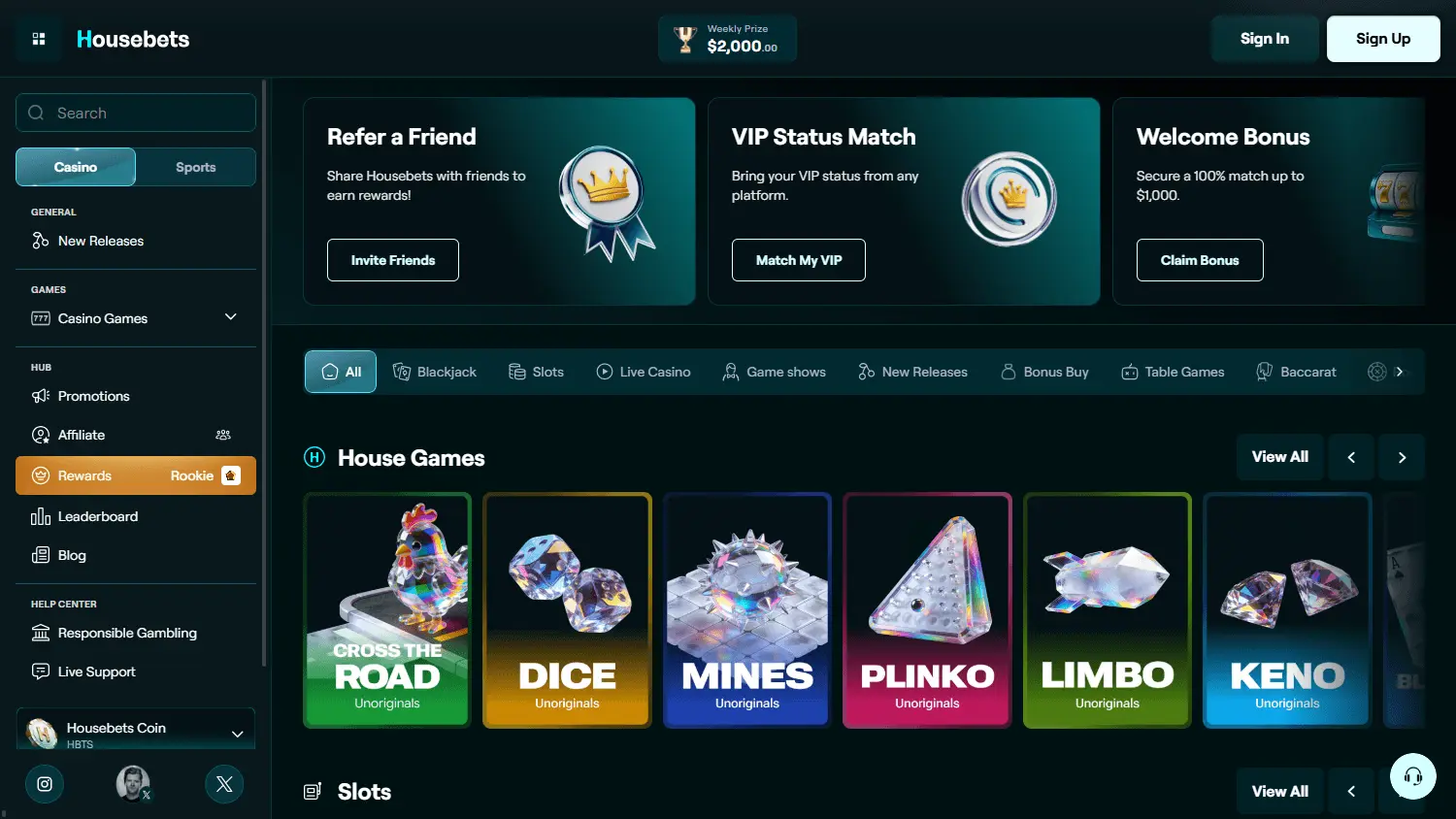
To access your existing Housebets account, ensure you have your registered email and password ready. The login form requires these credentials to grant access. If you encounter issues, double-check your email and password for any typing errors.
Entering Your Registered Account Details
When logging in, use the email address you registered with and the password you set. If you have forgotten your password, use the 'Forgot Password' link to reset it. You will receive a reset link via email to create a new password.
Checking the Website Address Before Login
Always verify the website address before entering your login details. Ensure it is the correct Housebets platform to protect your credentials from phishing attempts. A secure connection is indicated by a padlock icon in the browser's address bar.
Creating a New Housebets Account
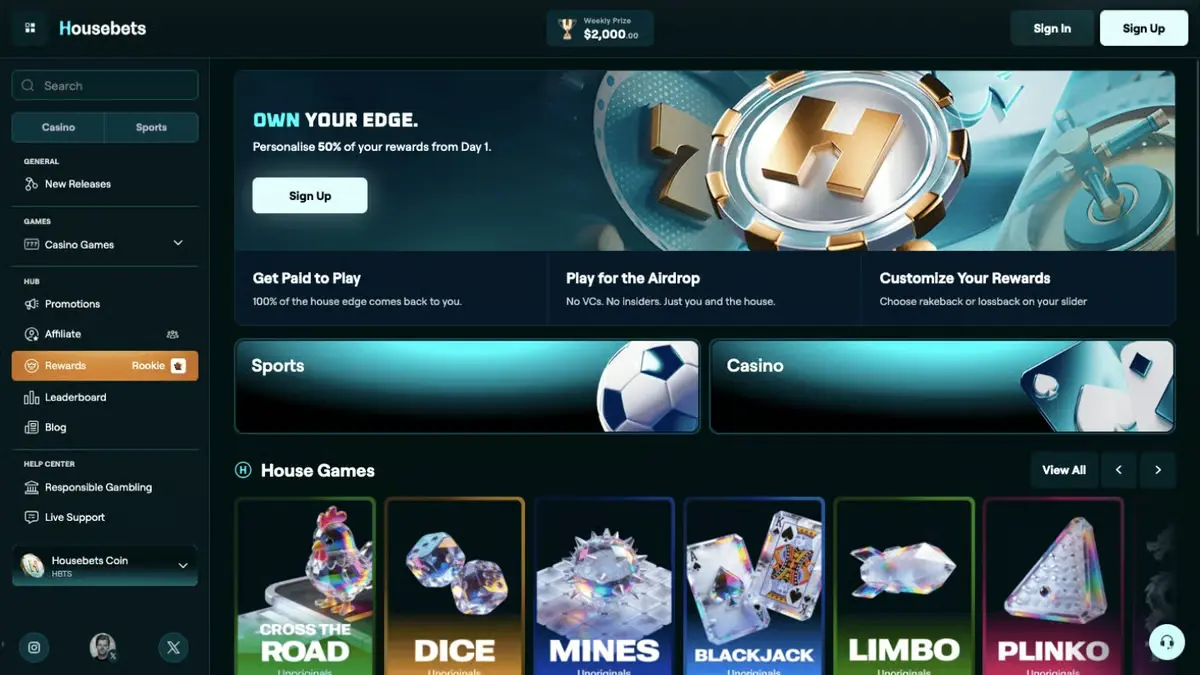
Creating a new Housebets account is a straightforward process. Start by navigating to the registration page and filling in the required details, including your email, password, and personal information. Ensure all information is accurate to avoid future verification issues.
Follow these steps to successfully register and log in to your Housebets account for the first time. Ensure each step is completed accurately to avoid potential issues.
- Step 1: Open the site — To start the registration process, navigate to the Housebets platform using a secure browser. Users should check for a padlock icon in the address bar, indicating that the website uses HTTPS, which encrypts data exchanged between the user and the site.
- Step 2: Fill in the form — During the registration process, users must enter their personal details, which typically include their email address and a strong password. It is advisable to create a password that combines letters, numbers, and special characters to enhance security. After filling in the form, users should double-check all entered information for accuracy to avoid any issues during the registration process.
- Step 3: Confirm email or phone — After submitting the registration form, users should check their email or phone for a verification message from Housebets. This message contains instructions to confirm the account. Completing this step ensures that the account is activated and ready for use.
- Step 4: Accept terms — Before finalizing the registration, users should carefully review the terms and conditions provided by Housebets. This document outlines the rules and guidelines for using the platform, including user responsibilities and rights. Accepting these terms is necessary to complete the registration process and gain access to the new account.
- Step 5: Log in for the first time — After registering, users can log in for the first time by entering their registered email and password. Users should ensure they are logging in on the correct platform to avoid phishing attempts and verify that they are using a secure internet connection.
- Step 6: Check account settings — Upon logging in, users should navigate to their account settings to verify that all personal information is accurate. This includes checking the email address, phone number, and any other relevant details. If any information is outdated or incorrect, users should update it promptly to ensure smooth account operation and communication.
- Step 7: Enable two-factor authentication — To enhance account security, users should enable two-factor authentication (2FA) by going to the security settings within their account. This feature adds an extra layer of protection by requiring a verification code from an authenticator app each time the user logs in. Following the provided instructions to link the app is essential for activating this security measure.
Registration Details and Account Setup
During registration, you will need to provide your name, date of birth, and contact details. Choose a strong password to secure your account. After submitting your information, you'll receive a confirmation email to verify your account.
Age Requirements and Regional Eligibility
Housebets Casino requires players to be at least 18 years old. Ensure you meet the legal age requirement in your region. Additionally, check if Housebets operates in your area to avoid registration issues.
Password Recovery and Sign-In Problems
If you have trouble signing in, Housebets provides several options to recover your account. Start by checking your internet connection and browser settings. If issues persist, use the password recovery option to reset your password.
Login and registration issues can prevent access to your Housebets account. Here are some common problems and their solutions to help you regain access quickly.
- Incorrect Password Entry — If you enter your password incorrectly multiple times, your account may be temporarily locked. To resolve this, use the 'Forgot Password' feature to reset your password and regain access to your account.
- Email Not Verified — If your email address is not verified, you might face login issues. Check your inbox for a verification email from Housebets and follow the link to confirm your email address.
- Browser Compatibility Issues — Certain browsers may not be compatible with the Housebets platform. Ensure you are using a supported browser and clear your cache if you experience login difficulties.
- Two-Factor Authentication Problems — If you have enabled 2FA and are unable to log in, check your authenticator app for the correct code. Ensure your device's time settings are accurate to avoid code mismatches.
- Account Locked After Multiple Attempts — After several failed login attempts, your account may be locked for security reasons. Contact Housebets support to unlock your account and verify your identity if needed.
Recovering Forgotten Login Information
To recover forgotten login information, click on the 'Forgot Password' link on the login page. Enter your registered email to receive a password reset link. Follow the instructions in the email to create a new password and regain access.
Resolving Browser and Connection Issues
Browser and connection issues can hinder access to an account. Users should ensure their browser is updated and clear the cache if needed. A stable internet connection is necessary for a smooth login experience.
Identity Verification and Account Checks
Housebets may require identity verification to ensure account security. This process involves submitting identification documents such as a passport or driver's license. Verification helps prevent unauthorized access and ensures compliance with legal requirements.
When Additional Information May Be Requested
Additional information may be requested during the verification process. This can include proof of address or payment method documentation. Ensure all documents are clear and legible to expedite the verification process.
Protecting Account Credentials and Personal Data
Protecting your account credentials is essential to prevent unauthorized access. Use strong, unique passwords and enable two-factor authentication (2FA) for added security. Regularly update your password and monitor account activity for any suspicious behavior.
Maintaining account security is essential to prevent unauthorized access and protect your personal information. Here are some habits to enhance your account security.
- Use Strong Passwords — Creating a strong password is important for account security. Users should combine letters, numbers, and symbols to make it difficult to guess and avoid using easily accessible information like birthdays or common words.
- Enable Two-Factor Authentication — Two-factor authentication adds an extra layer of security to your account. By requiring a code from your authenticator app, it prevents unauthorized access even if your password is compromised.
- Regularly Update Passwords — Changing your password regularly can help protect your account from breaches. Set reminders to update your password every few months and avoid reusing old passwords.
- Monitor Account Activity — Users should regularly monitor account activity to identify any unauthorized transactions or changes. They should review their transaction history and account settings frequently. If any suspicious activity is detected, such as unfamiliar transactions or changes to personal information, users should report these incidents to Housebets support immediately.
- Secure Personal Devices — Ensure that the devices you use to access Housebets are secure. Install antivirus software and keep your operating system updated to protect against malware and other security threats.
Account Restrictions and Recovery Assistance
Account restrictions can occur due to multiple failed login attempts or verification issues. If your account is restricted, contact Housebets support for assistance. They can guide you through the recovery process and help resolve any issues preventing access.